
E-14 2.0 with the Bosch Smart System
The E-14 2.0 connects directly to the Bosch Smart System’s CAN bus and constantly monitors the motor’s assistance level, the crank position and how hard you pedal. When you press + or –, the system:
- waits for the ideal crank position to shift,
- reduces the motor’s assistance,
- sends the shift command to the E-14 shift unit, which shifts to the gear you want,
- restores the assistance.
The whole thing takes about 0.2 seconds. Power comes from the e-bike battery; no separate battery is needed.
What makes it good: load-free shifting, every gear at a standstill, Multishift, starting gear, automatic mode, setup with the E-14 2.0 app, no restrictions on S-Pedelecs — and since you are always in the right gear, range goes up and the drivetrain wears less. For operation, see Operating the E-14 2.0 with the Bosch Smart System.
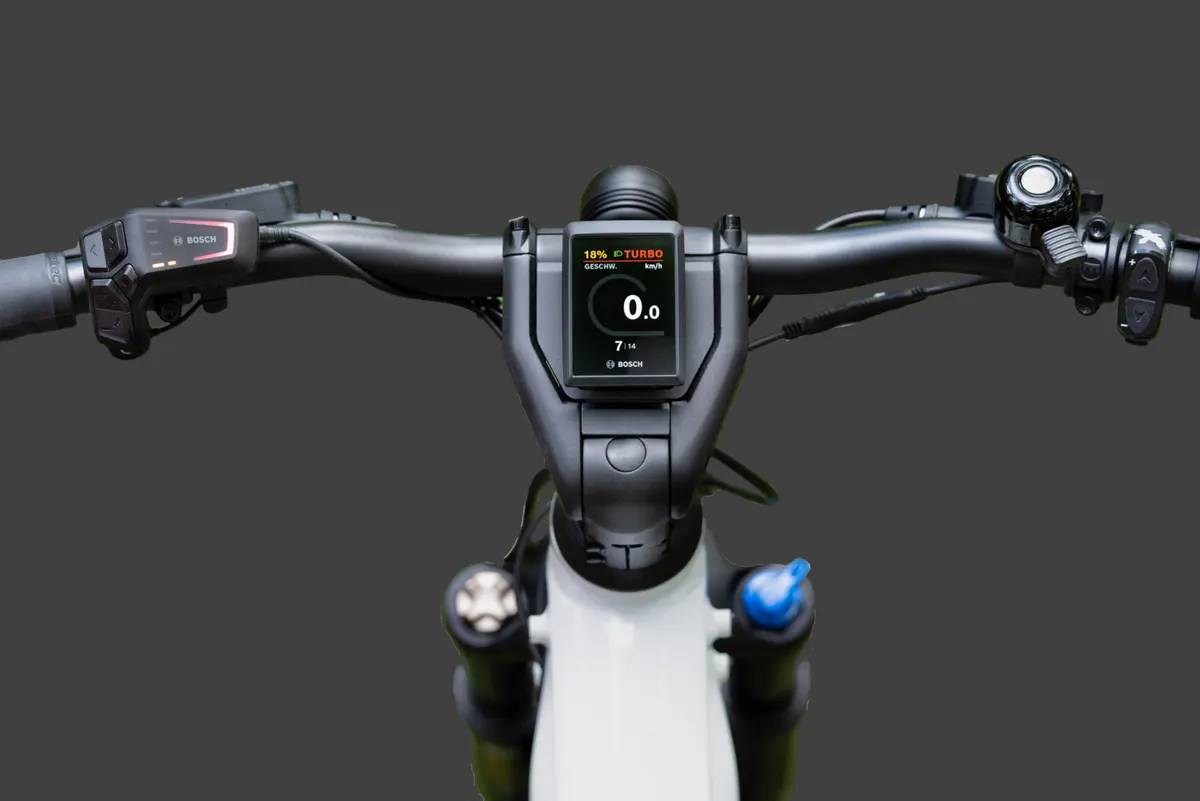
The system’s parts
Section titled “The system’s parts”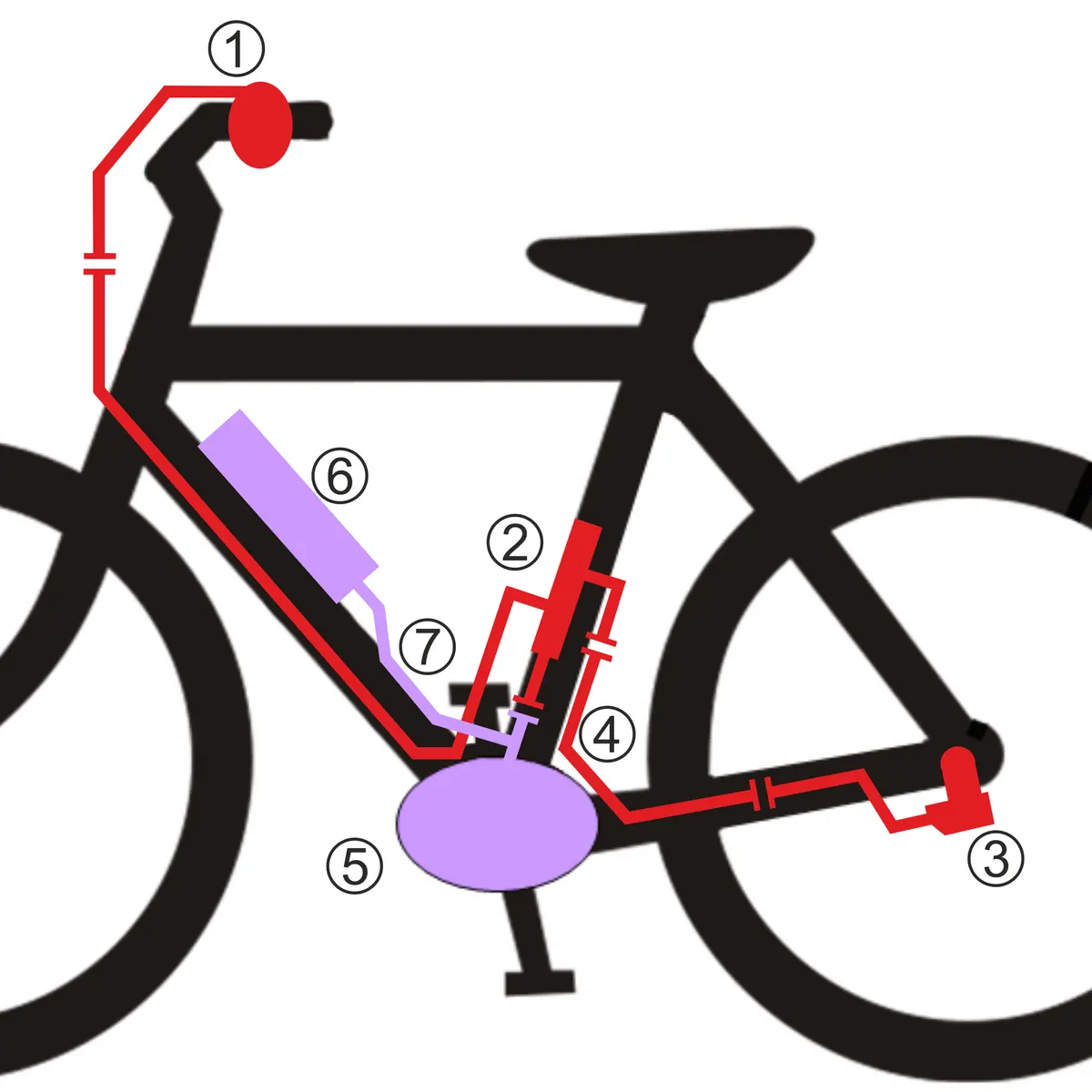
The parts and wiring in general: System overview. On the Bosch Smart System, the central element is the DC-CAN adapter; you shift with the Rohloff handlebar button or the Rohloff Trigger.
Fitting the DC-CAN adapter
Section titled “Fitting the DC-CAN adapter”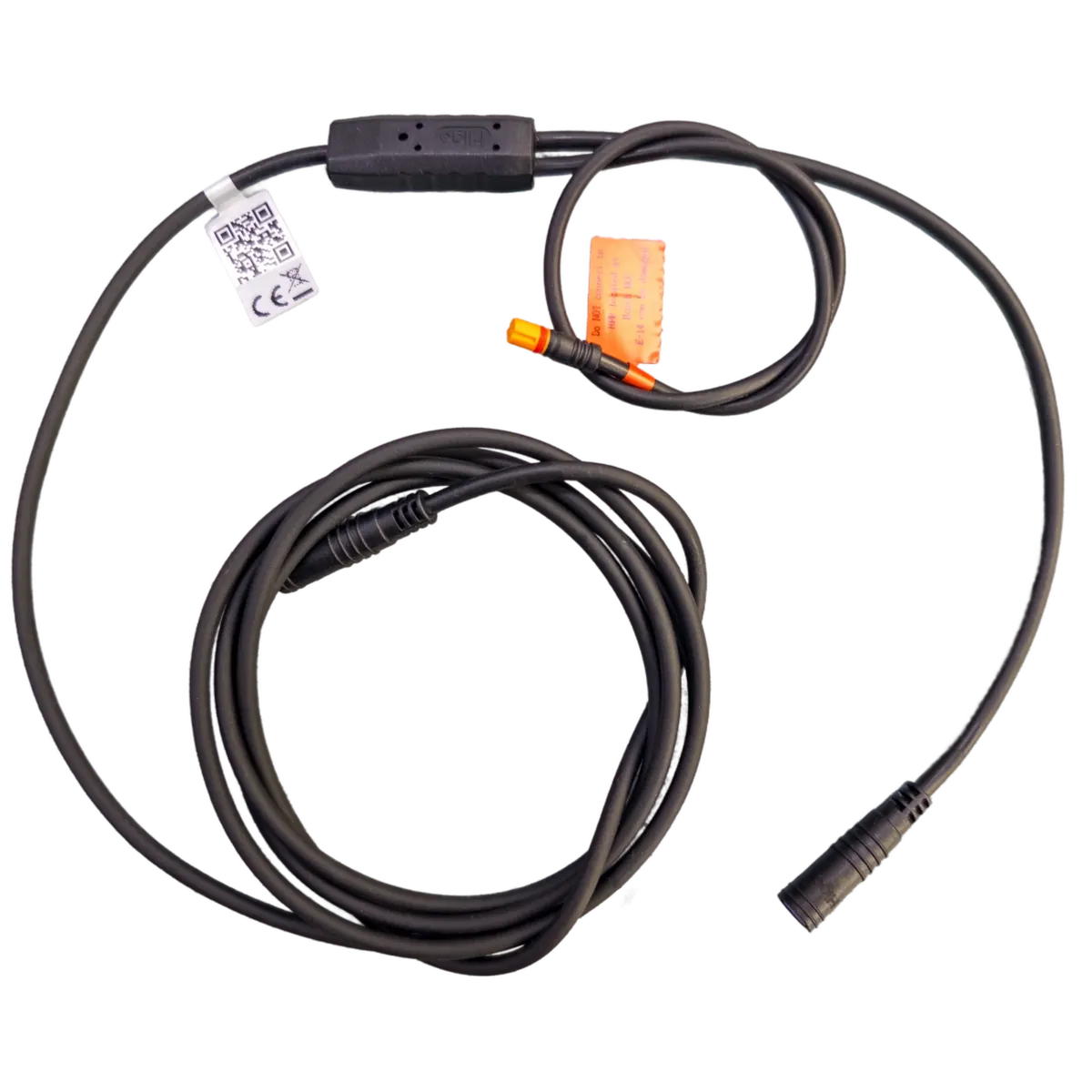
The DC-CAN adapter links the drive system and the E-14: all parts get their power and talk to each other through it. It goes into the down tube or seat tube, which means removing the Bosch motor from the frame.
- Before pushing the adapter into the frame, connect the purple 6-pin connecting cable — in the length that suits the frame — and plug the orange 4-pin Bosch plug into the Bosch High Power Port (HPP).
- Pull the handlebar button’s blue 4-pin cable from below, through the Bosch mounting bracket, up inside the frame to the handlebar.
- Push the adapter in from below through the bracket — padded with foam if needed, so it does not rattle.
:::
Fitting the handlebar button or Trigger
Section titled “Fitting the handlebar button or Trigger”For fitting the Rohloff handlebar button, see Installation on Bosch BES2 and Panasonic FIT1 — it works the same way.
The Rohloff Trigger shifts with two levers and fits only 22.2 mm handlebars, on the right, between grip and brake lever — not on the left.
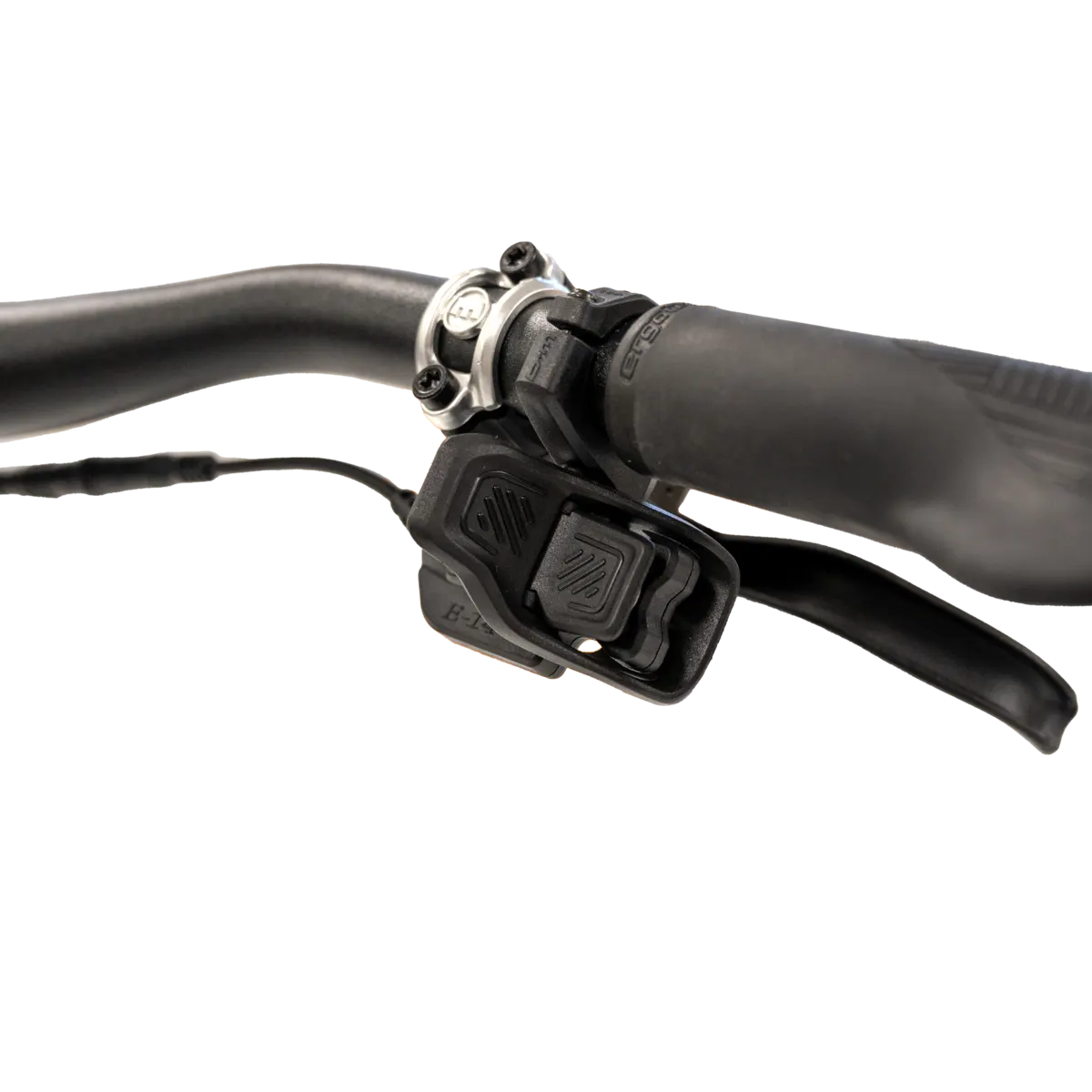
- Undo the clamp’s two screws (TX10) and take the clamp off.
- Place the Trigger between grip and brake lever with its cable pointing towards the middle of the bar, so you reach both levers comfortably with thumb and index finger.
- Refit the clamp — wide side forward, lined up with the Trigger’s guide — and gently screw in the front screw until no gap remains. Tighten it to 0.8 Nm, then the rear one to 0.8 Nm.
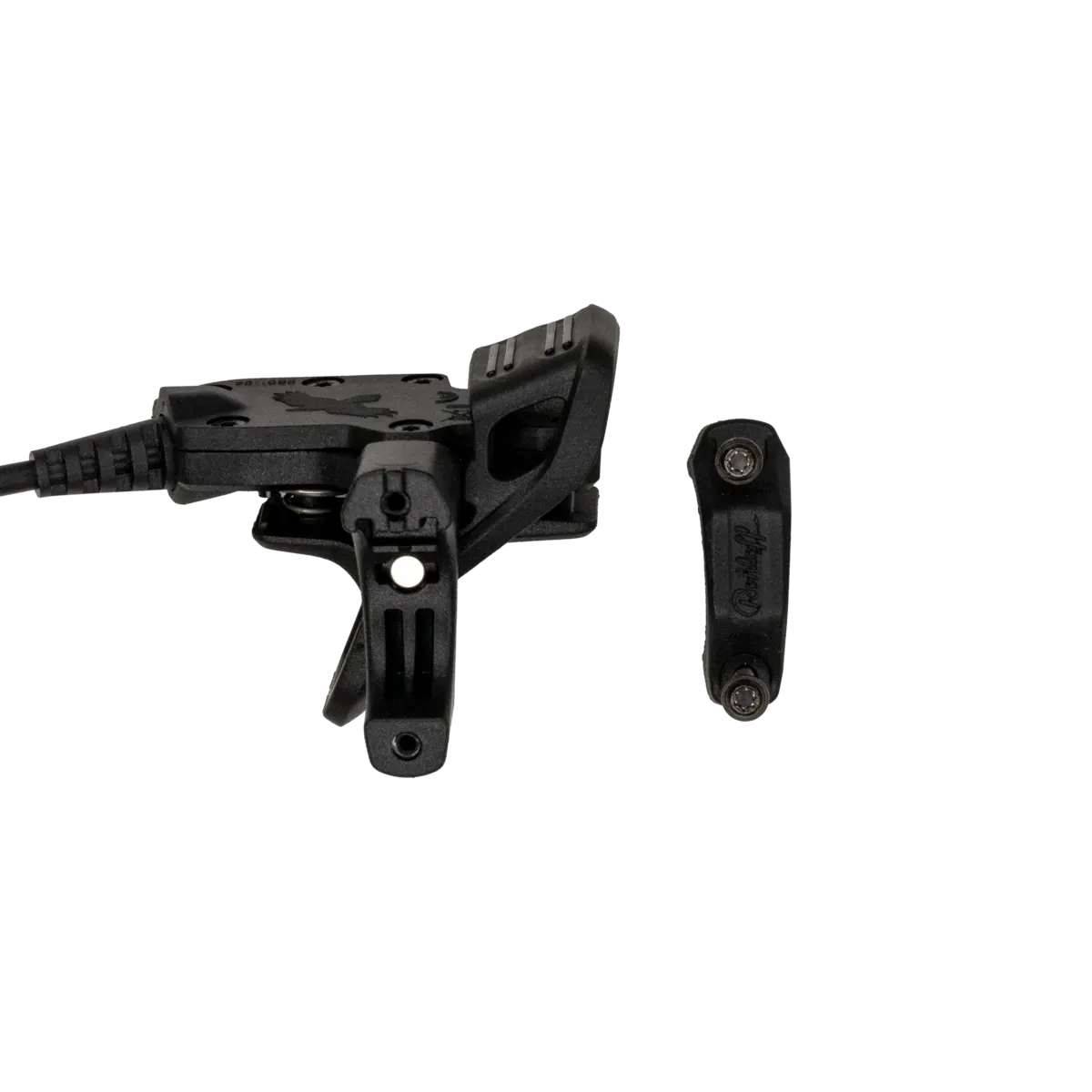
Finally, connect the Trigger’s blue 4-pin plug to the DC-CAN adapter’s blue 4-pin socket.
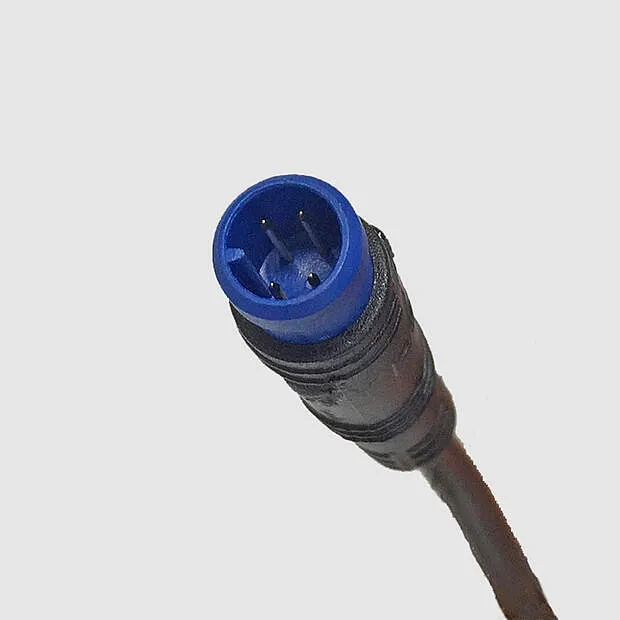
Route and fix the cable on bar and frame so it cannot kink, twist or get trapped when steering or braking, and cannot chafe at cable ports. Do not clean the Trigger with a pressure washer; use a soft cloth lightly dampened with water, without cleaners, oils or silicone spray.
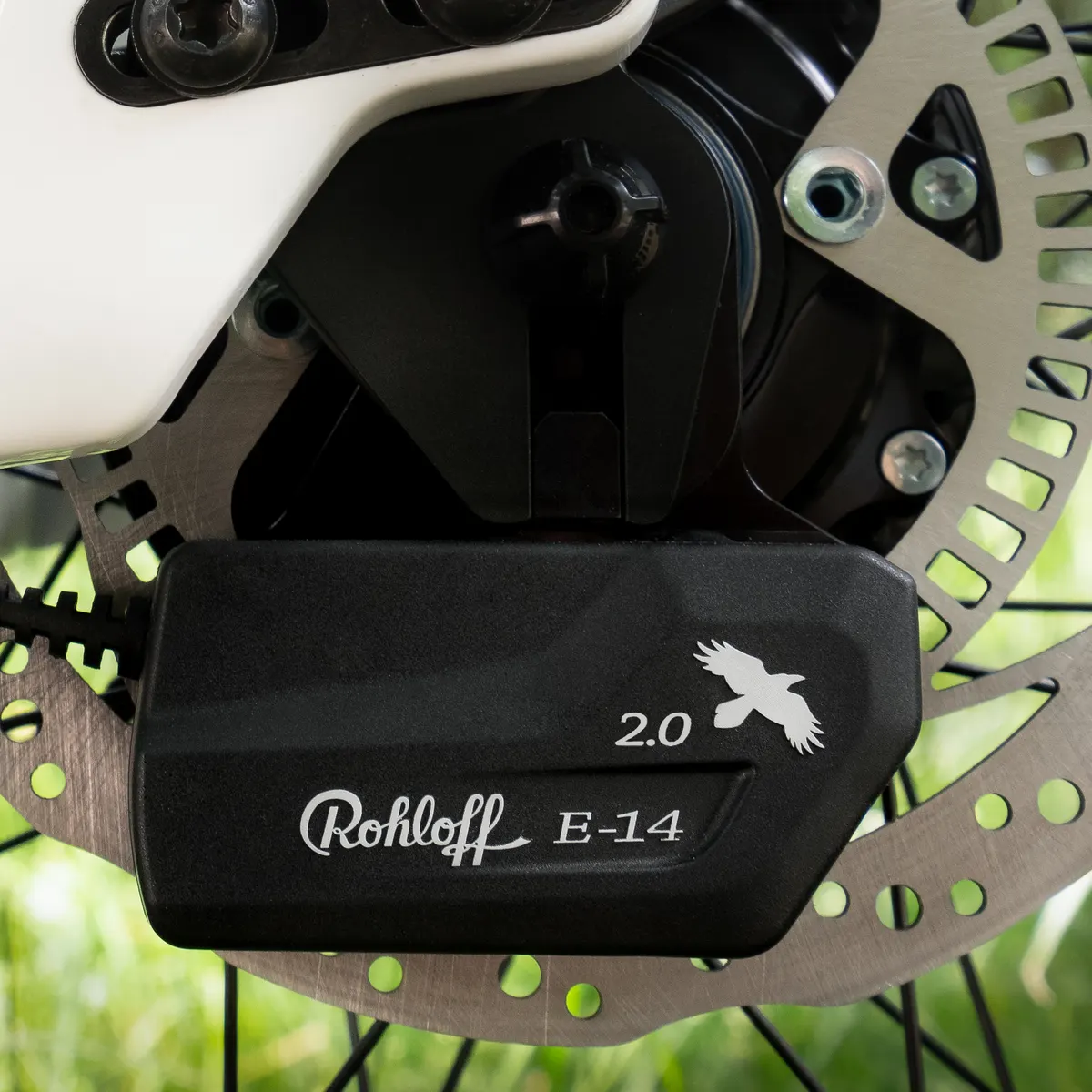
Wheel, shift unit, brake disc, cables
Section titled “Wheel, shift unit, brake disc, cables”Frequently asked questions
- What does the E-14 2.0 do with the Bosch Smart System?
- It shifts without load: when you press the button, the system waits for the right crank position, briefly cuts the motor's assistance, shifts, then restores it — all in about 0.2 seconds. Every gear can be selected at a standstill, and there is Multishift, a starting gear and an automatic mode too.