
Maintenance on Bosch BES2 and Panasonic FIT1
The E-14 is built for a long life and needs very little attention. If something does go wrong, see the error codes: Error codes on Bosch BES2 and Panasonic FIT1.
The serial number
Section titled “The serial number”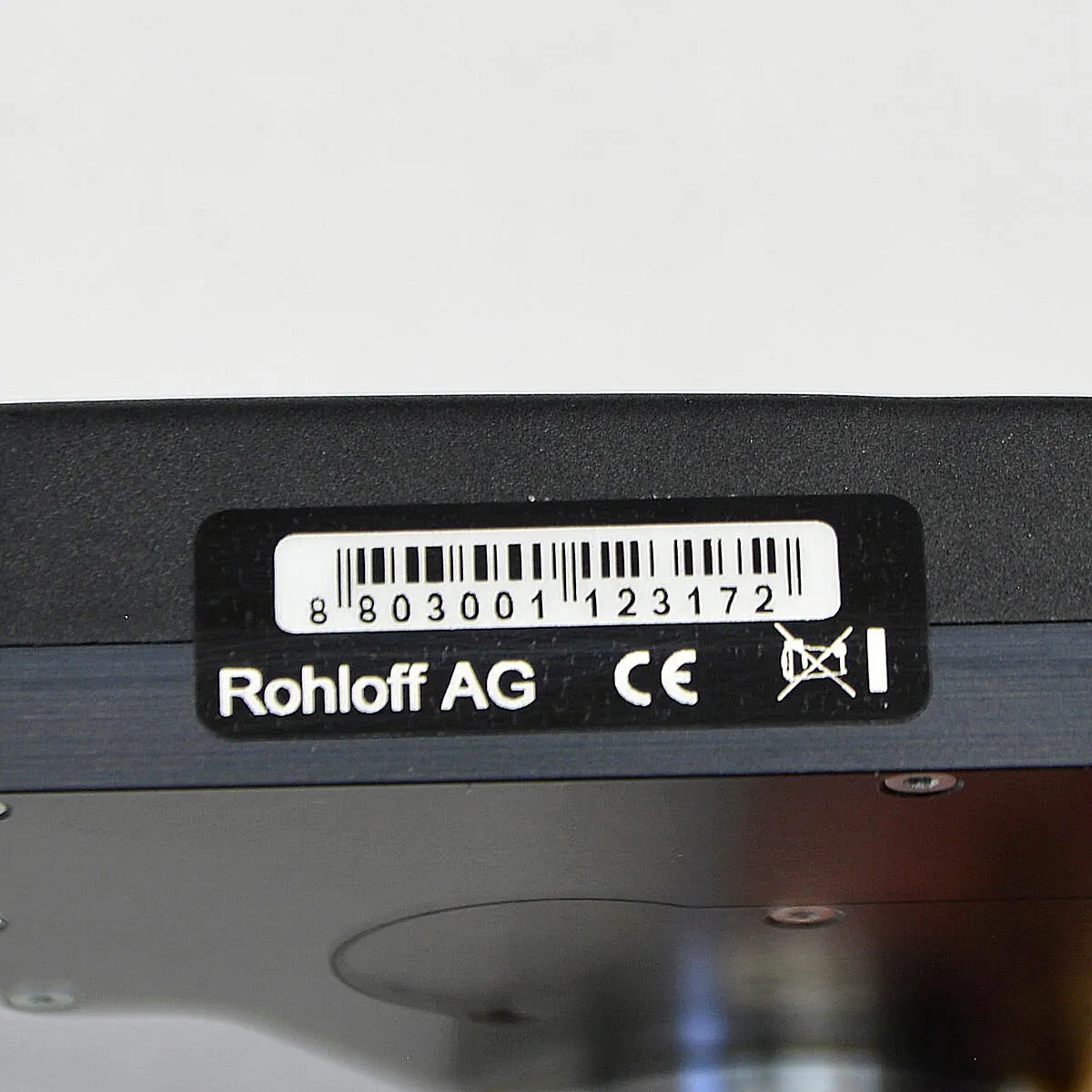
Every E-14 shift unit has its own serial number, on its underside. You may need it for the warranty and software updates. It is not the SPEEDHUB’s serial number — do not use it to register the hub. Removing the label voids the warranty.
Reading the software version
Section titled “Reading the software version”You can only see the version with the display in its holder and the bike standing still.
- Intuvia: hold Reset and i together until Settings appears, then press i until the Rohloff software version appears (for example Gear v2.4.3.2). To leave, hold Reset for 3 seconds.
- Kiox: from the status screen, open the settings with the select button, choose My eBike and then Components with + / –, and scroll to the software version.
Firmware
Section titled “Firmware”| System | Version | Since / for |
|---|---|---|
| Bosch BES2 | 2.4.7.0 | October 2024 — required for the Trigger (8801-04H); automatic calibration also completes with the two buttons |
| Bosch BES2 | 2.4.6.0 | since 2022, for serial numbers from 8803003000006; fixes the occasional error 596 and is compatible with E-14 V1.1 |
| Bosch BES2 | 2.4.3.2 | since December 2018, for serial numbers up to 8803002999998 |
| Panasonic FIT1 | 3.0.1.1 | since July 2024; compatible with E-14 V1.1 |
| Panasonic FIT1 | 3.0.0.0 | since July 2019 |
Updates are done with the E-14 1.0 Classic app, over a wireless link, from a phone running Android 12 or later: App and firmware.
Automatic calibration
Section titled “Automatic calibration”If the shift unit does not reach every gear, it needs resynchronising with the SPEEDHUB. Normally this is not needed: shift unit and SPEEDHUB come synchronised. Automatic calibration finds the two end positions — gear 1 and gear 14 — and saves them.
Bosch BES2
Section titled “Bosch BES2”With a Trigger, first check the shift unit has at least 2.4.7.0 — if not, update first.
-
Switch the Bosch system off.
-
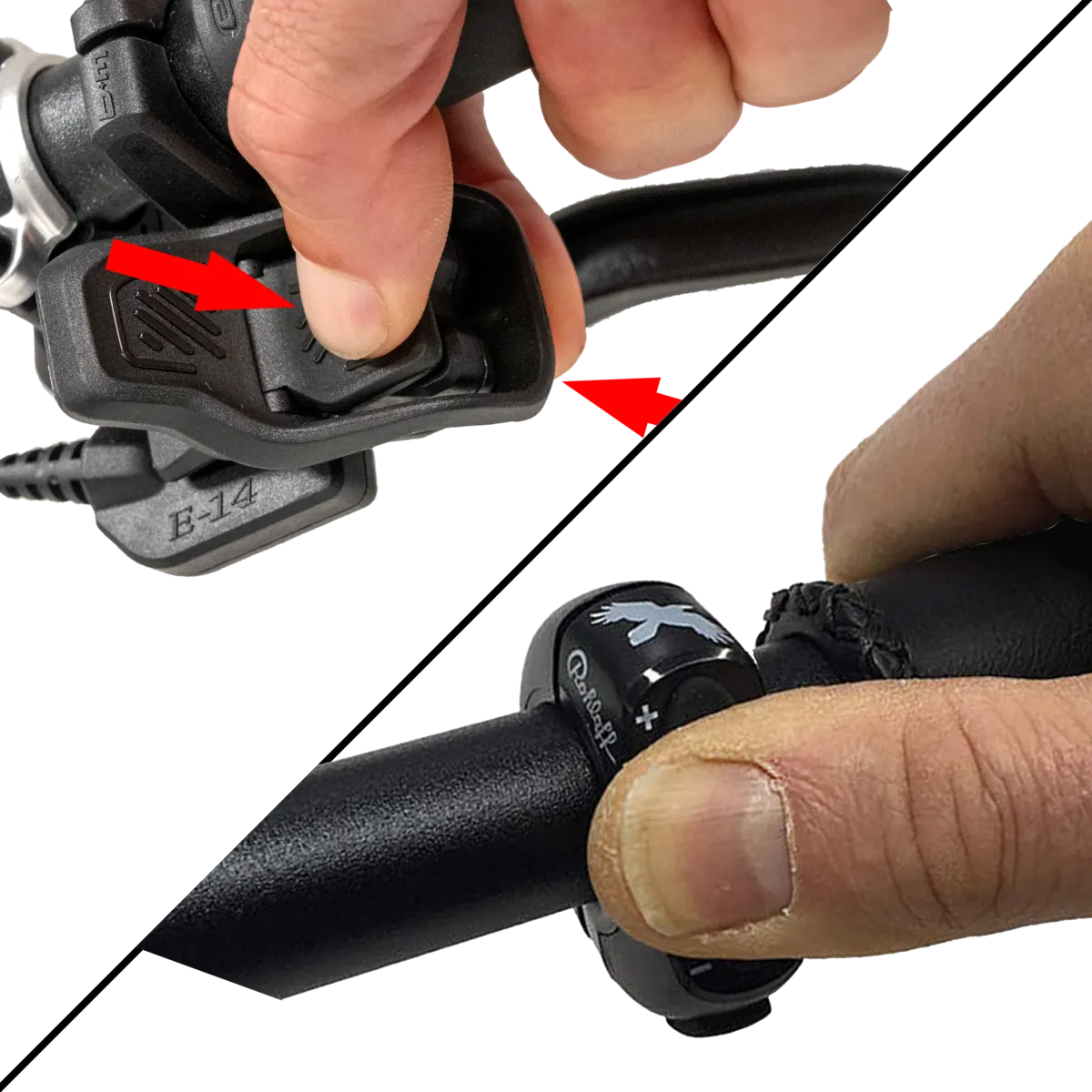
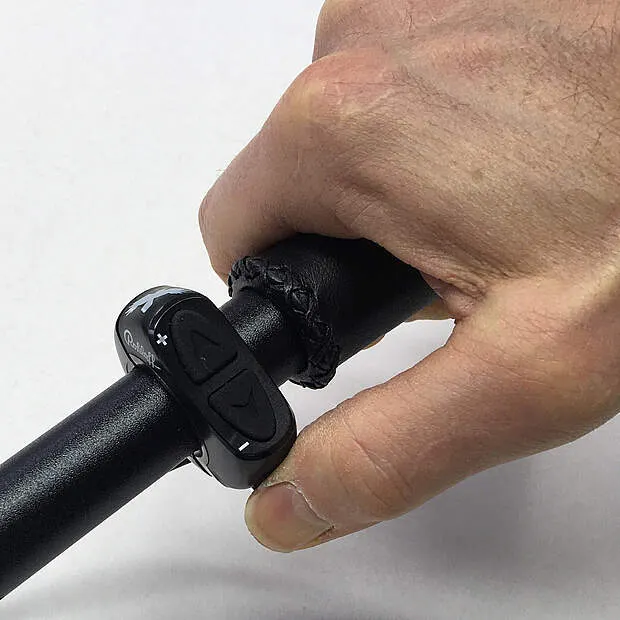
Press and hold both handlebar buttons (+ and –), or both Trigger levers.
-
Switch the system on and keep holding until the shift unit starts shifting after about 8 seconds. Then let go.
-
Wait until the shift unit falls silent. If error code 745 appears, calibration failed: switch the system off and start again.
-
With software older than 2.4.7.0: hold the M button for about 8 seconds until the system switches itself off; the shift unit beeps twice first — confirming it has saved. From 2.4.7.0 this step is gone; calibration completes by itself.
-
Switch the system on — done.
Panasonic FIT1
Section titled “Panasonic FIT1”Switch the system on, choose Calibration → E14 in the display menu and confirm with OK — calibration starts.
If automatic calibration fails repeatedly: Manual calibration. That means taking the wheel out and removing the shift unit — if you have never done it, bring it to us: book an appointment.
Diagnostic set
Section titled “Diagnostic set”If there is a technical problem, the E-14 diagnostic set quickly narrows down the faulty part: Diagnostic set.
Frequently asked questions
- Which firmware does the E-14 need on Bosch BES2?
- The Rohloff Trigger (8801-04H) needs at least 2.4.7.0 from October 2024 — with it, automatic calibration completes without the M button. Shift units with serial numbers up to 8803002999998 have had 2.4.3.2 since December 2018, those from 8803003000006 have had 2.4.6.0 since 2022. Updates are done with the E-14 1.0 Classic app (Android 12 or later).