
Setting the starting gear on BES2
On Bosch BES2, you set the E-14’s starting gear on the bike’s display. How the function works, and how to shift with the E-14: Operating the E-14 with Bosch BES2.
Starting gear
Section titled “Starting gear”With a starting gear set, when the bike stands still for more than 3 seconds the E-14 shifts back to it by itself — provided you were riding faster than 10 km/h before and your last gear was higher than the starting gear. Keep the load off the pedals for this. The starting gear can be set between 1 and 9; with none set, the function is off. Depending on the bike maker, it comes switched on or off from the factory.
Intuvia
Section titled “Intuvia”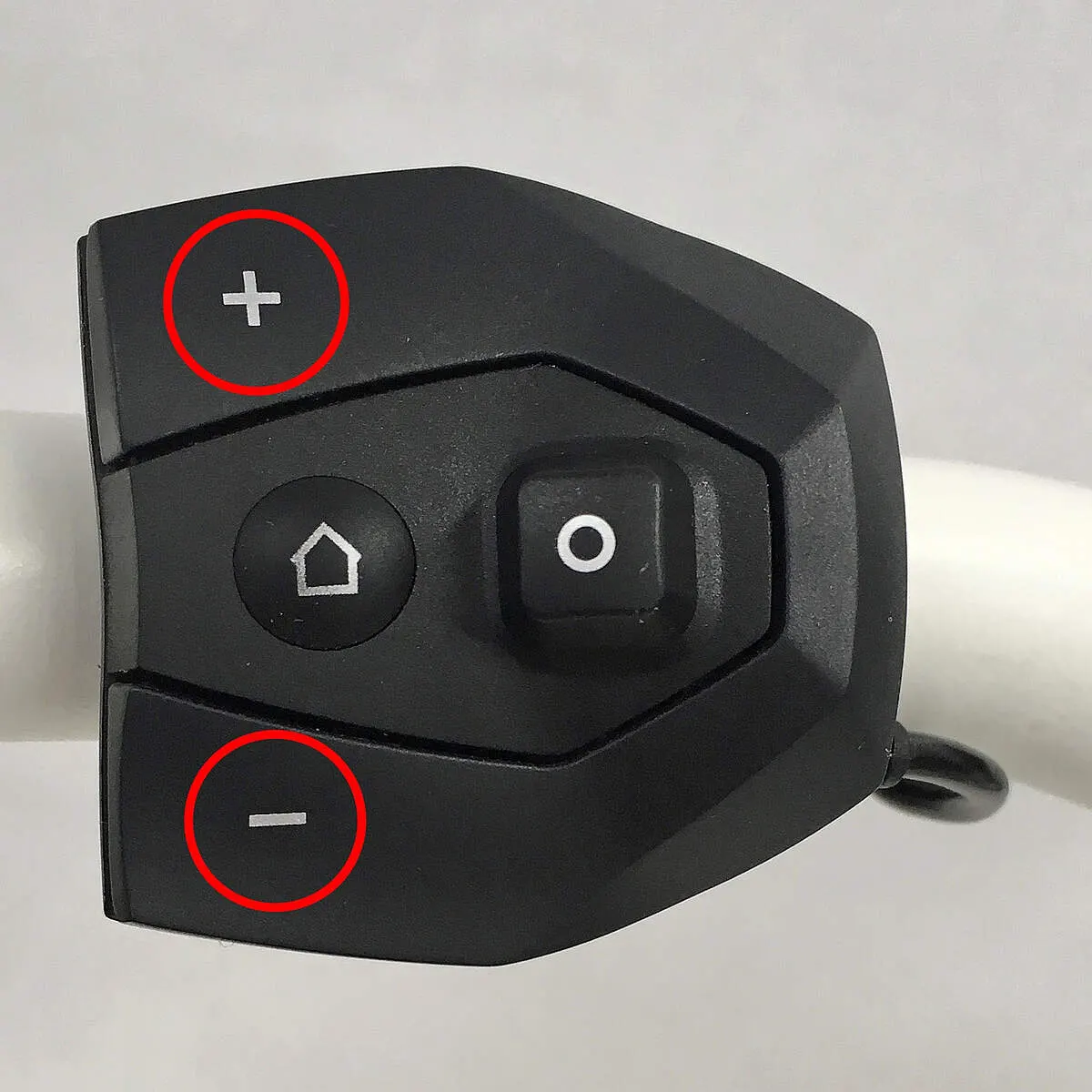
- Switch the system on. Hold Reset and i together until Settings appears.
- Press i until Starting gear appears.
- Choose the gear with + or – on the control unit — or, to switch it off, step until “- -” appears.
- To save, hold Reset for about 3 seconds.
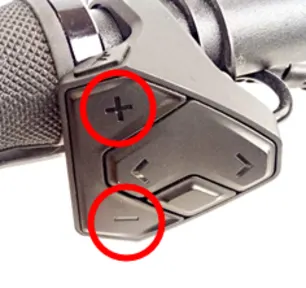
- Switch the system on. Use < > to go to the Settings screen and press the select button.
- With + / – choose My eBike, then eShift, opening each with the select button.
- If it is off, the select button switches it on (gear 9 by default). To change the gear, choose Setting, pick gear 1–9 with + / – and confirm with the select button.
- To switch it off, choose Starting gear in the eShift menu and press the select button.
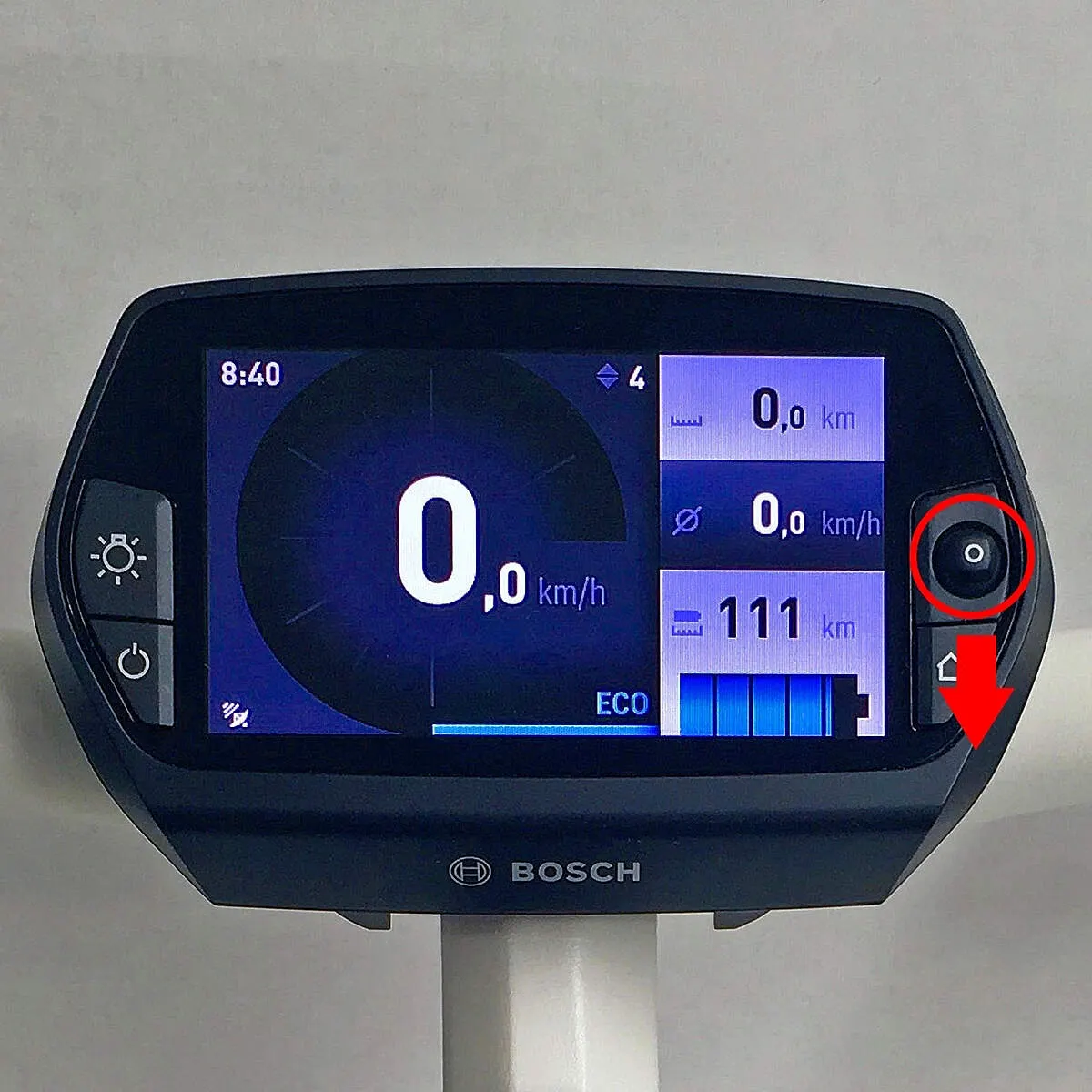
- Switch the system on. On the home screen, push the joystick down and hold it until the menu appears.
- Step down to My eBike, push the joystick right, step down to eShift (Rohloff) and press the joystick.
- If the function is off, pressing the joystick switches it on; push right to the + sign and press to raise the gear. If it is on, pressing the joystick on the highlighted “I” switches it off.
- Press Home to save.
Nyon 2nd generation (BUI350)
Section titled “Nyon 2nd generation (BUI350)”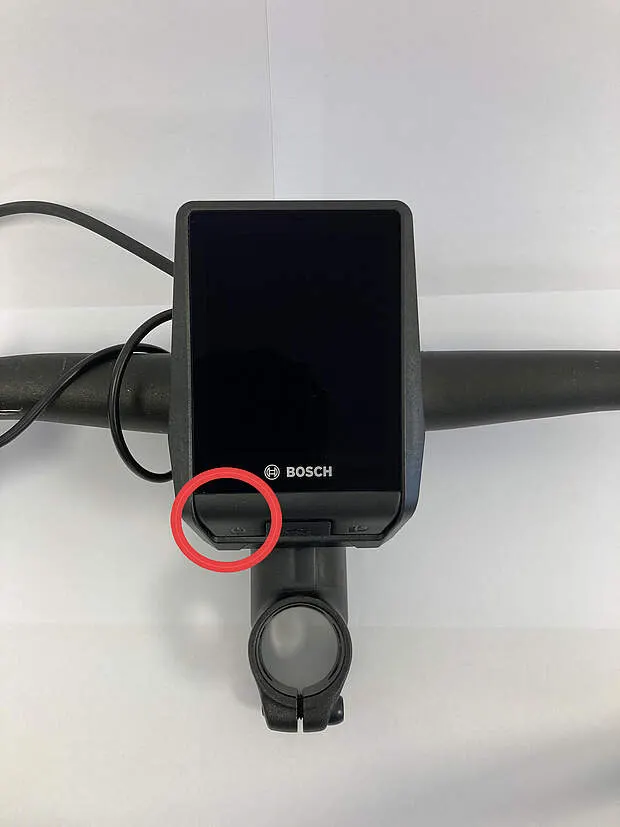
- Switch the system on and tap the Settings icon (cog, top right).
- Tap My eBike, then — scrolling down — eShift, and finally Starting gear.
- White background: off; blue background with numbers showing: on. Choose the gear (marked with a tick) and confirm with the arrow at top left or the “X” at top right.
Frequently asked questions
- Why does the starting gear reset to 1 on a Nyon 2 display?
- On Bosch BES2 with the 2nd-generation Nyon (BUI350) this is a known fault, and Bosch is aware of it. You can avoid it by not charging for longer than 12 hours, or by taking the display off before charging; until it is fixed, it is best to switch the starting gear off.